LËTZEBUERGESCH CLAVIER
Luxembourgish, at every moment of your day
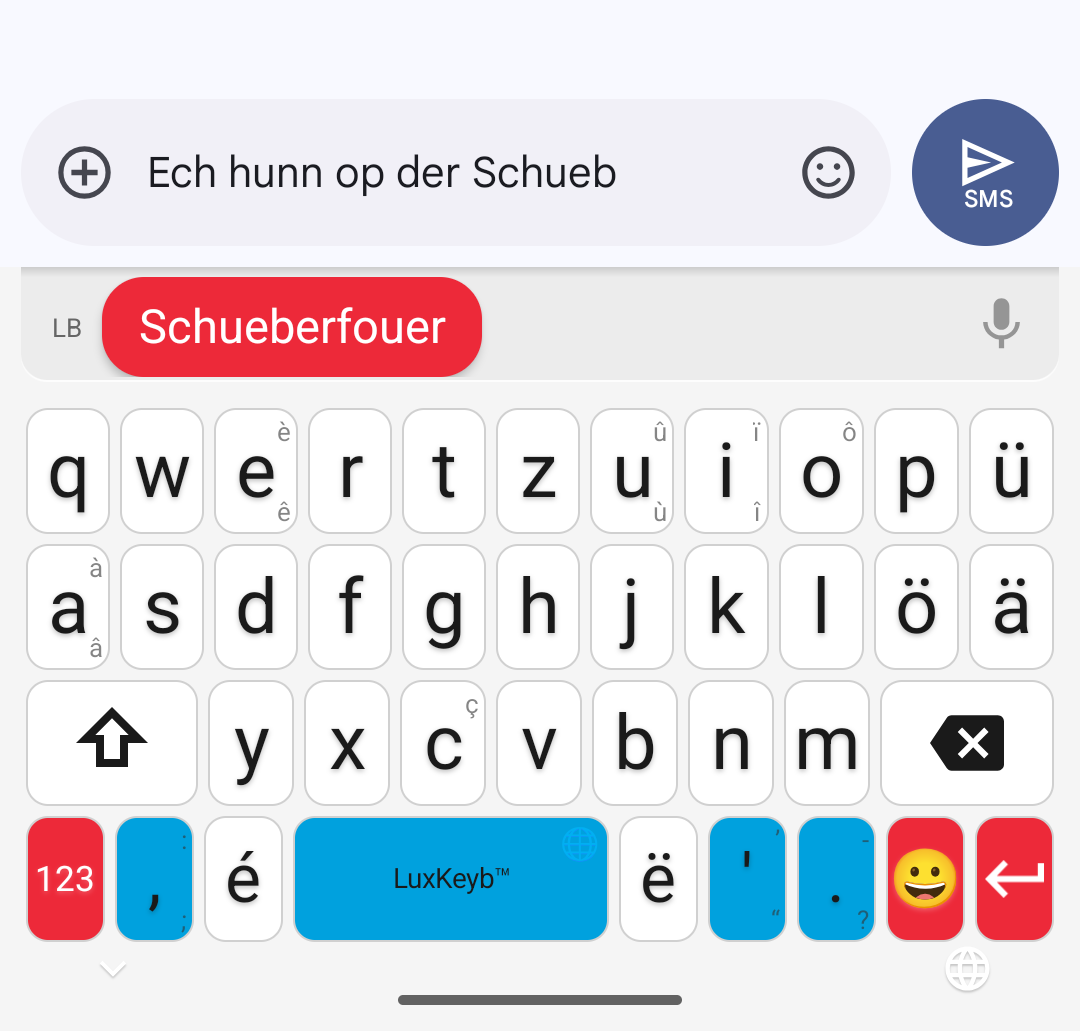
- In the morning, a message to the familyThe word appears before you finish typing it. Type “Schueb”, it suggests “Schueberfouer”.
- Hands full, at work or at homeTap the mic and speak: your sentence writes itself in Luxembourgish.
- A finger slips onto the wrong keyIt catches the mistake: “Kafi” becomes “Kaffi”.
- A word that escapes youThe dictionary gives it to you, in English or in Luxembourgish, even offline.
- In the evening, five minutes of playEvery word you find becomes a card in your collection.
Free · What you type stays on your phone · famibelle.github.io/LuxKeyb
Däi Lëtzebuergesch, op dengem Telefon. 
Why
Why a Luxembourgish keyboard?
- Your phone “corrects” your Luxembourgish into German or French.
- ë and ä hide in an accent menu, word after word.
- You doubt your spelling in every message.
- You can say it, but not write it.
- This keyboard is made for you.
Inside: installation step by step, what it does for you, and how it helps you learn through play. Open the leaflet.

You speak it.
Now you can write it.
Type “Schueb”it suggests “Schueberfouer”
ë · ä · éeach has its own key, no more hunting
Speaktap the mic, say your sentence, there it is

Scan the code 100 %free
Let's go
Setup in 4 steps
-
Open the Google Play page, it's free
Scan this codePoint your camera at it: the Google Play page opens, all that's left is to tap Install
- Install the appFrom Google Play, like any other app: installation and updates are automatic.
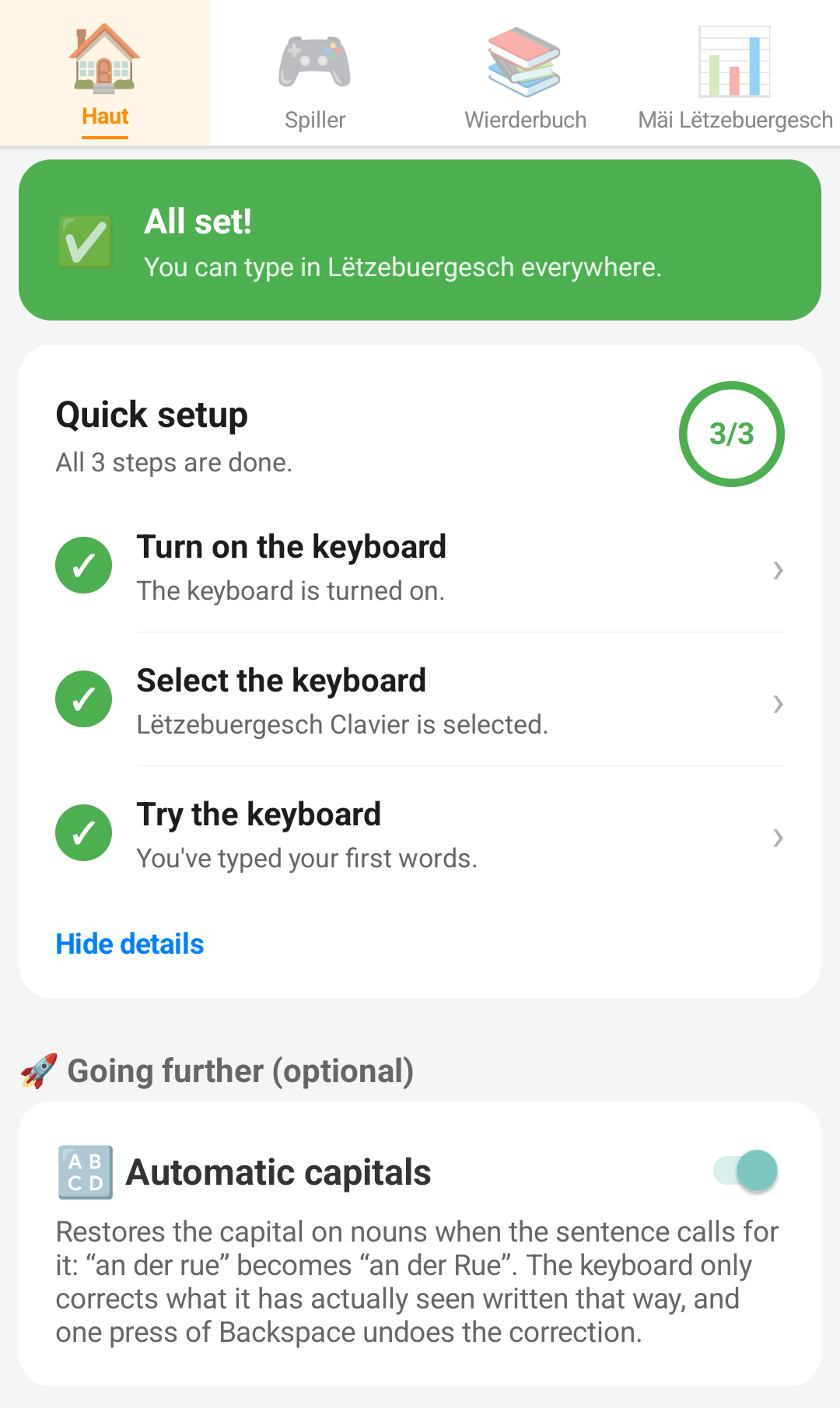
- Turn the keyboard on in settingsA button in the app goes straight to the right Android screen. The system then shows a warning about typing: it is generic, Android shows it for every third-party keyboard, and this one sends nothing you type.
- Pick it and writeThe keyboard picker opens: choose Lëtzebuergesch Clavier and type your first word.
Features
What it does for you
1Type, it suggests
Type “Schueb”, it suggests “Schueberfouer”. One tap, and the word is written.
2Speak, it writes
Tap the mic and say your sentence: it writes itself in Luxembourgish.
And for learning
Learn as you type
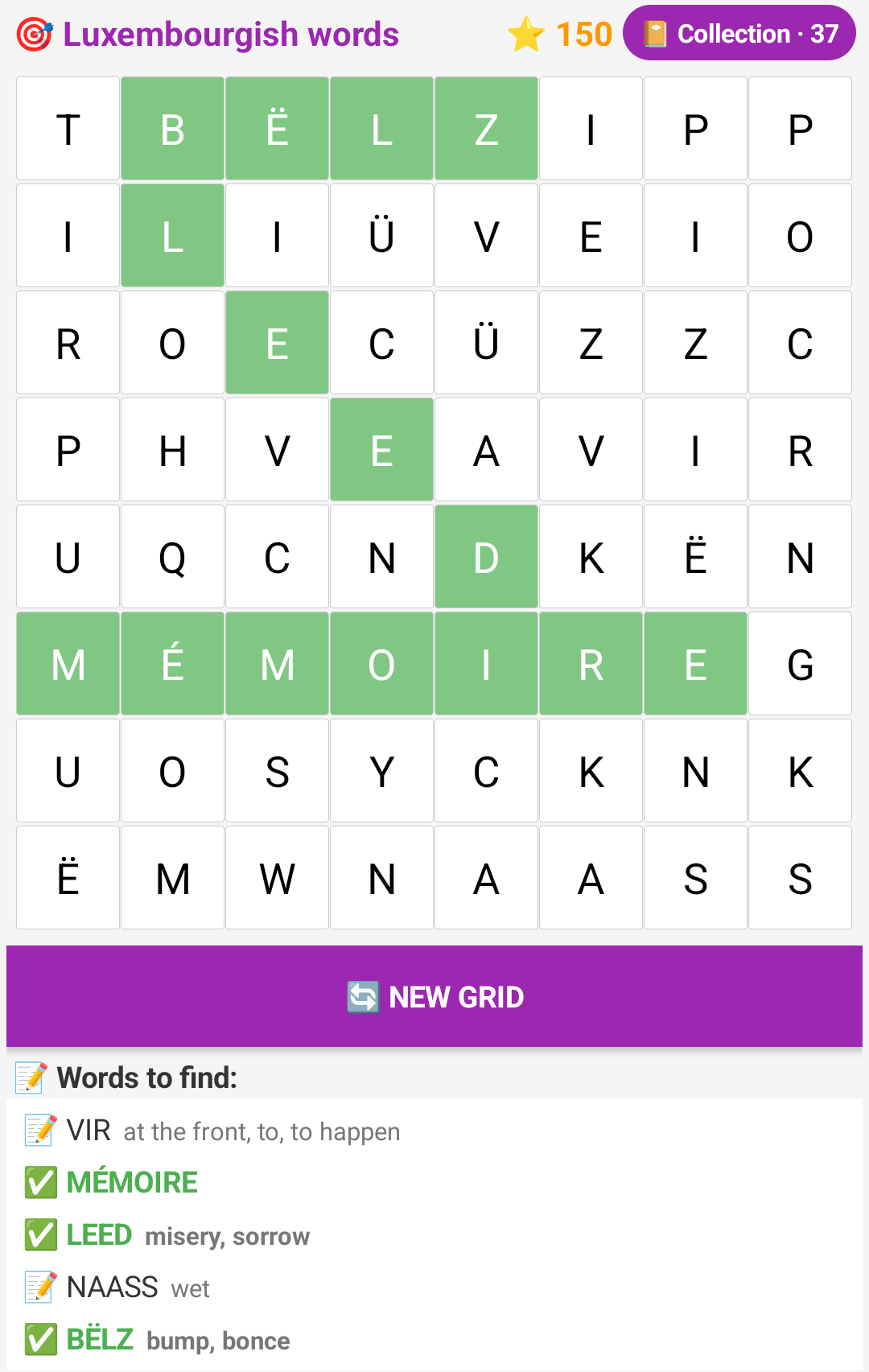
🎮 Seven games word search, anagrams, a word in six tries, fill-in-the-blanks, numbers, crosswords, word fill-ins.
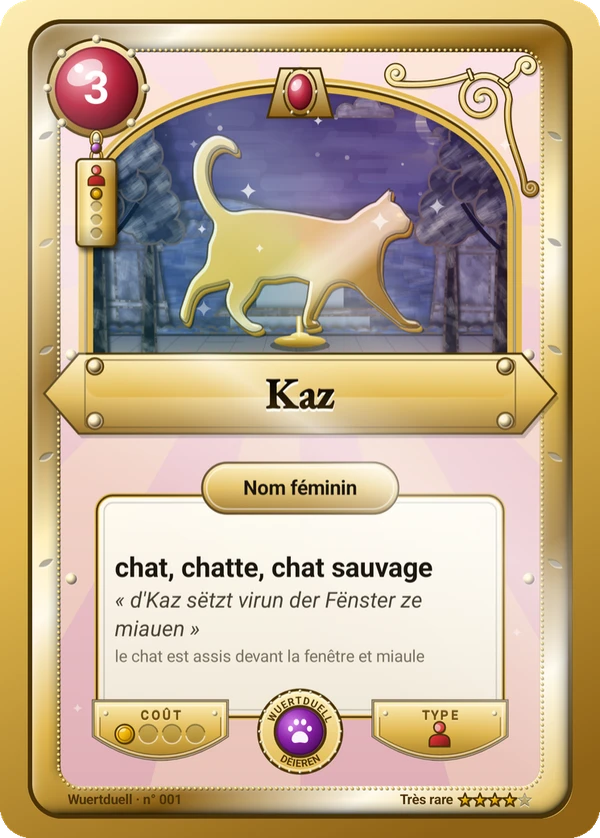
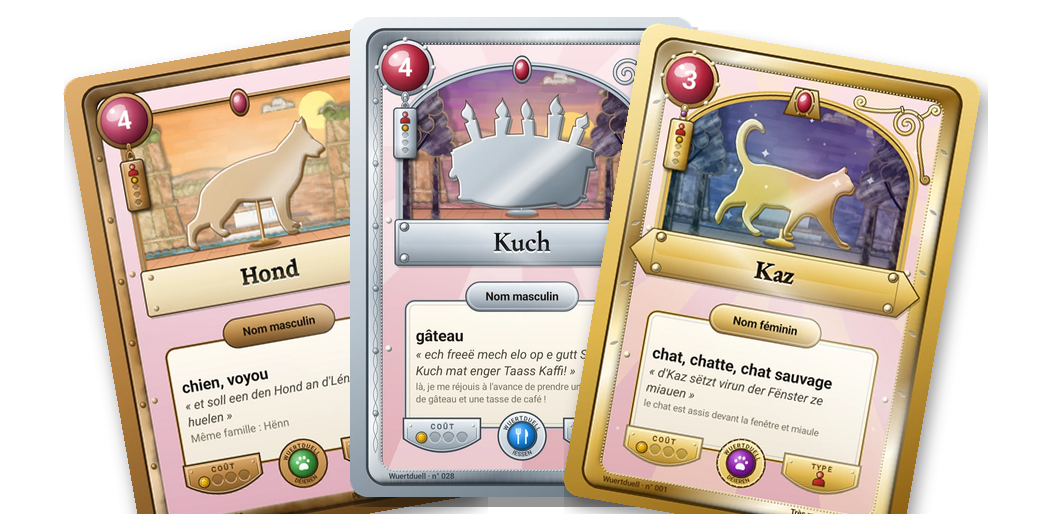
🃏 A card deck every word you win becomes a card, and the words you type move it forward.
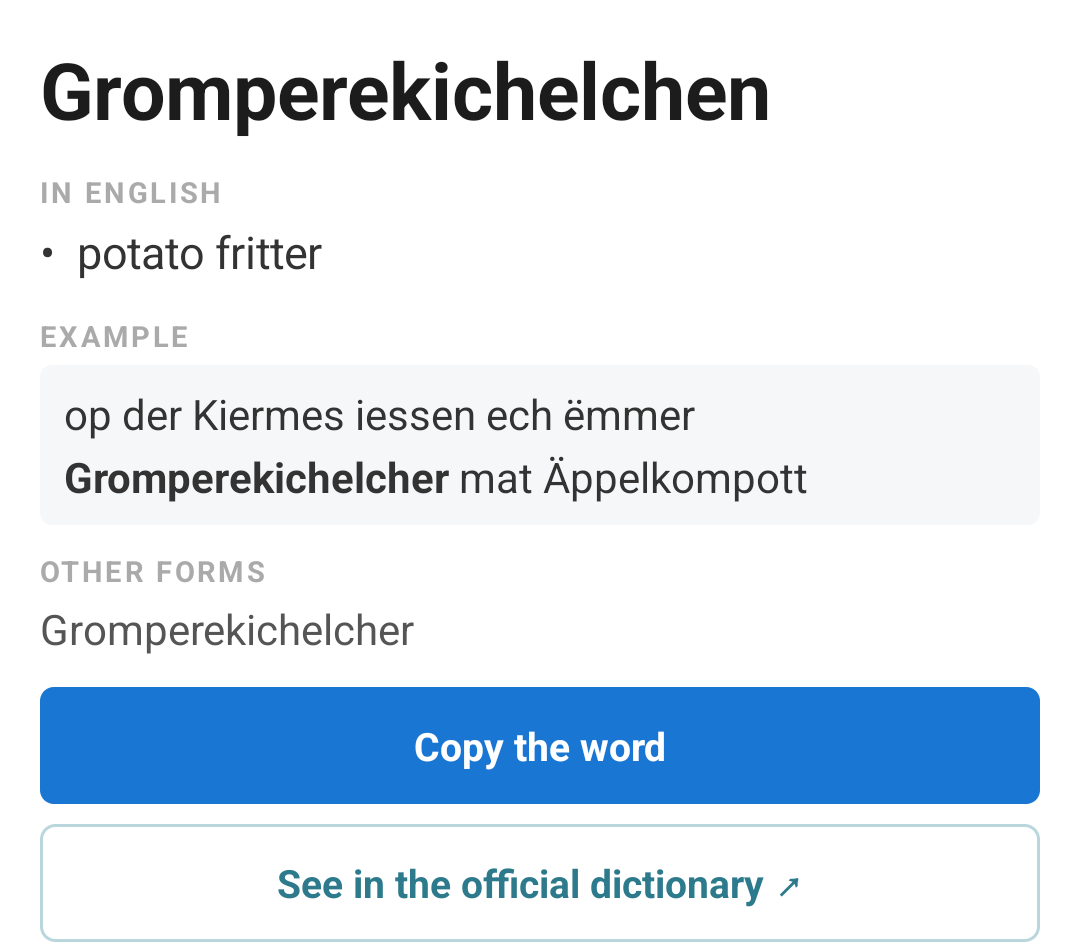
📖 An EN ↔ LB dictionary a word escapes you? It translates both ways, offline.
Install nowSearch for:Lëtzebuergesch Clavier
100 %free